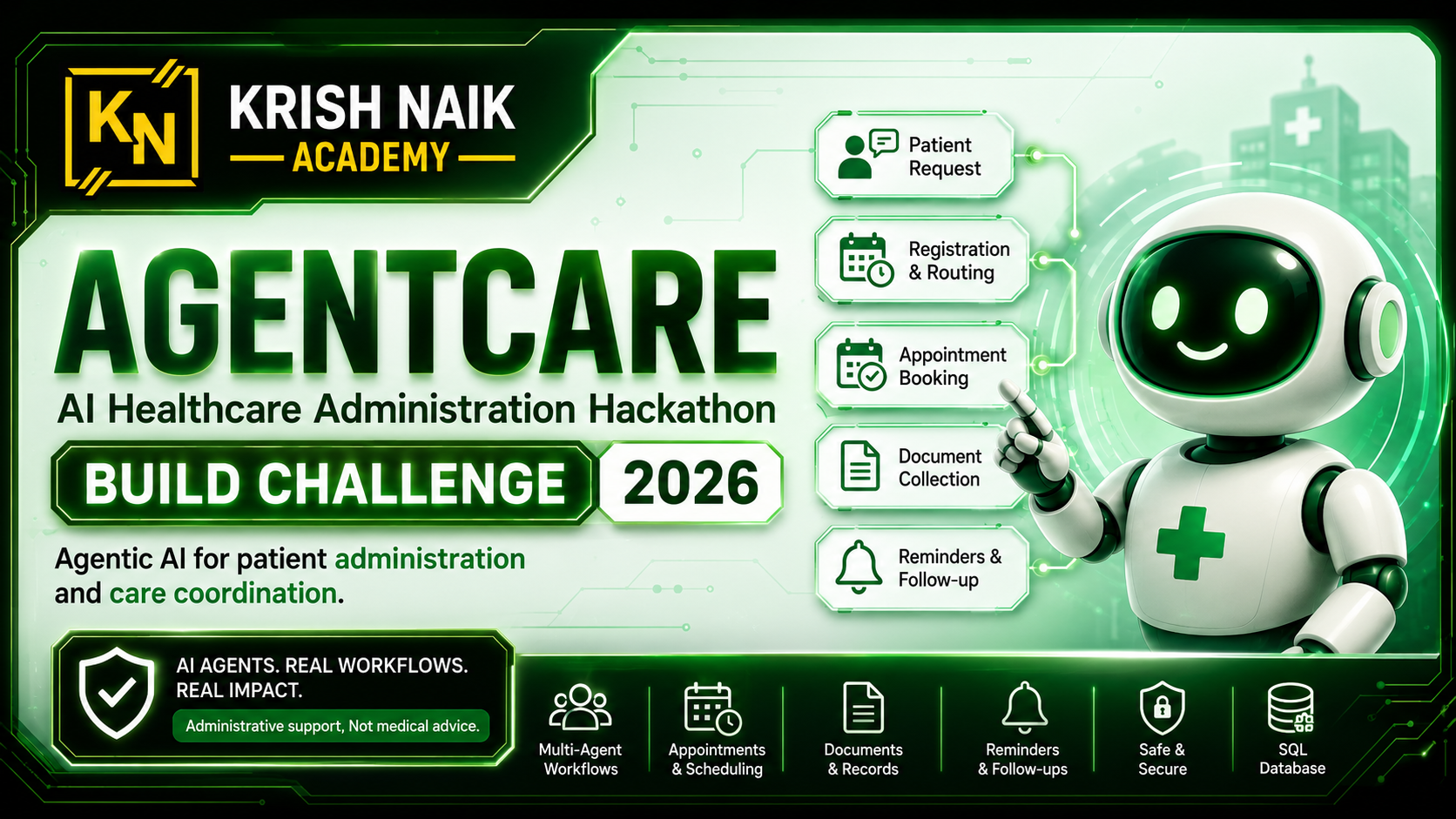
AgentCare — Agentic AI for Patient Administration and Care Coordination
Build an agentic healthcare administration system that coordinates a patient's non-clinical journey — from registration and department routing to appointment booking, document collection, reminders, and follow-up — while keeping medical decisions under human supervision.
1. Challenge Overview
Hospitals and clinics handle many repetitive administrative tasks: registering patients, routing requests to the correct department, checking doctor availability, booking or rescheduling appointments, collecting and organizing documents, sending reminders, and coordinating follow-up visits. These workflows are often fragmented across forms, phone calls, spreadsheets, and disconnected systems.
The goal is to build AgentCare, an agentic AI application that can understand an administrative patient request, plan the required steps, invoke appropriate tools, persist workflow state, and complete the task safely.
This is not a diagnosis or treatment system. The application must not independently diagnose conditions, prescribe medicines, recommend dosages, or replace a healthcare professional.
2. Core User Journey
A patient may submit a request such as: "I need a cardiology appointment next week. I also want to attach my previous ECG and blood reports."
The system should be able to:
- identify or create the patient record;
- understand the administrative intent;
- route the request to an appropriate department;
- retrieve available doctors or appointment slots;
- book, reschedule, or cancel an appointment;
- collect and classify relevant documents;
- identify missing or duplicate documents;
- save the complete workflow state;
- generate a confirmation;
- create a reminder or follow-up task;
- escalate uncertain, emergency, or sensitive situations to a human.
3. Required Application Scope
The core submission must implement this workflow:
Patient Registration
        ↓
Administrative Intent Detection
        ↓
Department Routing
        ↓
Appointment Availability and Booking
        ↓
Medical Document Coordination
        ↓
Confirmation and Reminder
        ↓
Follow-up Scheduling
Insurance processing, billing, bed allocation, pharmacy operations, staff scheduling, and operation-theatre scheduling are optional extensions — not required for the core score.
4. Required User Roles
4.1 Patient can: create/update a profile; submit an administrative request; book, reschedule, or cancel an appointment; upload documents; view appointment and document status; view reminders or follow-up tasks.
4.2 Hospital Staff / Administrator can: view patient requests; manage departments, doctors, and slots; review escalated cases; approve sensitive administrative actions where required; view workflow and audit history.
Role behavior must be enforced in backend code. Merely hiding buttons in the frontend is not sufficient.
5. Required Agentic Architecture
The solution must contain at least three genuinely distinct agent roles. To count as distinct, each agent must have its own prompt or system message, and either its own set of tools or its own clearly separate responsibility and output. Renaming helper functions as "agents", or having several classes call the same prompt, does not count.
Suggested roles:
- Coordinator Agent — understands the goal, creates/selects the workflow, delegates to specialized agents, combines outputs, tracks completion or failure.
- Department Routing Agent — classifies the request, maps it to a valid department, handles uncertainty, escalates emergency or unsupported requests.
- Appointment Agent — retrieves slots, checks conflicts, creates/reschedules/cancels appointments, persists state.
- Document Agent — ingests files, classifies document type, stores metadata, maps documents to a patient, detects duplicates or missing required documents.
- Follow-up Agent — creates reminders, schedules follow-up tasks, detects missed or incomplete workflows, invokes a notification mechanism.
- Safety and Escalation Agent — blocks diagnosis/prescription behavior, identifies emergency or sensitive requests, creates human-review/escalation records, prevents unauthorized actions.
You may use a different architecture, but the code must demonstrate distinct responsibilities, real orchestration, tool usage, and state transfer.
6. Mandatory Technical Requirements
- Python application code
- At least one LLM integration
- At least three distinct agent roles (section 5)
- At least three functional tools or service integrations
- A persistent SQL database
- Persistent workflow or agent state
- A user-facing interface (section 7)
- Role-based access control enforced in the backend
- Human escalation or approval workflow
- Audit logging
- Error handling and retry or recovery behavior
- Environment-based configuration
- Synthetic or anonymized sample data
- README with setup and architecture instructions
- No hardcoded final responses presented as agent results
Accepted SQL databases: SQLite, PostgreSQL, MySQL, or another persistent relational database. Accepted agent implementations: LangGraph, CrewAI, AutoGen, Google ADK, Semantic Kernel, a custom orchestrator, or another clearly implemented architecture. A local simulated hospital service is acceptable when it contains real application logic and persistent data — a fixed JSON response or hardcoded list returned regardless of input is not a functional integration.
7. User Interface
Your application must have a working user-facing interface for the core flows — at minimum, a patient can submit a request and see status, and a staff user can view requests and act on escalations or approvals.
No frontend framework is required. Simple HTML/Jinja2 templates, Streamlit, Gradio, or any equivalent is fine. A documented API alone (e.g. auto-generated Swagger docs) does not satisfy this requirement. Visual design and polish are not scored — what is judged is that a real interface exists and is genuinely wired to your backend. Pages that display hardcoded data instead of calling real logic score as faked.
8. Minimum Required Tools
At least three tools must be implemented and actually invoked by the agent workflow. Examples: patient-record tool; department lookup; doctor/slot availability; appointment booking; document parser/classifier; document storage; reminder/notification; escalation/approval; audit-log tool.
A tool must perform real logic, access stored data, call a service, or change workflow state. A function that always returns a fixed success message counts as faked and scores zero.
9. Suggested Data Model
The exact schema is flexible, but the repository should contain equivalent persistent entities.
User(id, name, email, password_hash / external_auth_id, role, created_at)
PatientProfile(id, user_id, date_of_birth/age, phone, preferred_language,
               emergency_contact, created_at, updated_at)
Department(id, name, description, active)
Doctor(id, department_id, name, active)
AppointmentSlot(id, doctor_id, start_time, end_time, status)
Appointment(id, patient_id, doctor_id, slot_id, status, reason, created_at, updated_at)
PatientDocument(id, patient_id, document_type, file_path/storage_reference,
                document_date, checksum, created_at)
WorkflowRun(id, patient_id, current_step, state, status, created_at, updated_at)
Reminder(id, patient_id, appointment_id, reminder_type, scheduled_at, status)
Escalation(id, workflow_run_id, reason, status, reviewed_by, created_at)
AuditEvent(id, actor_id, action, entity_type, entity_id, metadata, created_at)
Equivalent naming and structure are acceptable.
10. Eligibility and Disqualification Rules
These are evaluated before detailed scoring. Breaking any one results in a score of zero.
- RULE-1 Accessible source repository — the repo and branch must be accessible and contain the application source. Empty, inaccessible, or documentation-only → DISQUALIFY.
- RULE-2 Required language — the primary backend must be Python. No meaningful Python backend → DISQUALIFY.
- RULE-3 Agentic AI requirement — must use an LLM and implement a multi-step tool-using workflow. CRUD-only app with no agent workflow, or a chat interface that performs no tools/actions → DISQUALIFY.
- RULE-4 Persistent database — a persistent SQL database for core data. Only in-memory storage that is lost on restart → DISQUALIFY.
- RULE-5 Healthcare safety boundary — no autonomous diagnosis, prescription, dosage change, or claim to replace a clinician. Administrative routing is allowed; asserting a diagnosis is not → DISQUALIFY.
- RULE-6 Data and secret safety — no real patient data, credentials, secrets, or production tokens in the repo → DISQUALIFY and flag for human review.
11. What Matters Most
Highest weight: agent architecture and orchestration (three genuinely distinct agents, a real coordinator, real tool invocation, state handed between agents and persisted); safety, authorization, and human oversight (blocking diagnosis/prescription in code, escalation records, backend role enforcement, persisted approvals, PII handling); document coordination (ingestion, classification, patient mapping, duplicate detection, missing-document checks).
Substantial weight: the appointment workflow end to end (availability, conflicts, booking, reschedule, cancel, confirmation from persisted data); persistence, wiring, and auditability; registration and identity; reminders and follow-up.
Lower weight (but do not skip): code quality and tests, the user interface, and documentation.
The single most important thing: everything must be genuinely implemented and wired end to end — route → service → agent → tool → database → persisted result. Anything that merely exists, or returns a fixed response regardless of input, earns little or nothing. Top submissions are reviewed by human judges for live UX, deployment, response quality, usability, demo quality, and originality.
12. Required Submission Package
- public GitHub repository URL;
- the branch to be evaluated (your default branch unless stated otherwise);
- complete source code;
- a dependency file (
requirements.txt,pyproject.toml, or equivalent); - database models and initialization/migration files;
.env.examplewithout real credentials;- README with local setup instructions;
- architecture description and an explanation of agents and tools;
- sample synthetic data or a seed script;
- tests;
- optional deployment URL and short demo video.
13. Optional Extensions (not scored)
May be considered by human reviewers as tie-breakers, and must not come at the expense of core requirements: multilingual/voice interaction; insurance eligibility pre-check; grievance management; billing explanation; analytics dashboard; bed availability; staff scheduling; FHIR-compatible integration; MCP-based hospital tool server; advanced agent observability; consent management; accessibility features.
14. Example Expected Workflow
Patient submits:
"I need a cardiology follow-up next week and want to attach my old ECG."

Coordinator Agent      → retrieves/creates patient record; sends to Routing Agent
Department Routing     → classifies as existing cardiology follow-up; maps to
                         Cardiology; avoids diagnosis language
Appointment Agent      → fetches Cardiology doctors/slots; checks conflicts;
                         creates a pending/confirmed appointment; persists
Document Agent         → receives the ECG; classifies it; stores metadata + checksum;
                         maps to patient; checks duplicates/missing docs
Follow-up Agent        → creates an appointment reminder; schedules a post-visit task
Safety Agent           → checks for unsafe medical requests; escalates if emergency
System                 → returns confirmation from persisted records; writes the full
                         action trail to AuditEvent
Setup & Requirements
Follow this so the automated checks pass and your project is eligible for evaluation.
Your repository must contain:
- All your source code.
- A
requirements.txt(orpyproject.toml/Pipfile) listing your dependencies. It must include an LLM client — e.g.groq,openai,anthropic,langchain,langgraph,crewai,autogen. - A
README.mddescribing what you built, your architecture, and how to run it. - A
.env.example(without real secrets) and a.gitignorethat includes.env.
Repository secret (Settings → Secrets and variables → Actions) — new to GitHub secrets? Follow this short guide:
SUBMISSION_TOKEN— your submission token, shown on your dashboard as soon as you register.
Unlike some challenges, the automated checks here need no API keys of yours — they only read your repository. Keep your LLM/service keys in a local, gitignored .env.
Enabling the automated checks:
- Download the workflow file: https://careerapi-production.krishnaik.in/api/ci/hackathons/agentcare-build-challenge-2026/workflow.yml
- Add it to your repository at
.github/workflows/agentcare-checks.yml(create the.github/workflows/folders if they don't exist). - Add the
SUBMISSION_TOKENsecret (see the secrets guide). - Push a commit. The checks run automatically — results appear in your repository's Actions tab and on your submission dashboard.
Critical checks (must pass for your commit to be eligible for evaluation):
- Code compiles — all Python files are free of syntax errors.
- LLM client listed — your dependency file names an LLM client, since AgentCare requires an LLM integration.
Advisory checks (feedback only — these do not block you): no committed .env, a .env.example is present, a README is present, a .gitignore that ignores .env.
The automated checks are a first filter — passing them does not finalize your score. A failing critical check simply means "fix and push again"; it is not a penalty.